Design visual · not a site photo
Installed project · Commercial storage facility

Hours of footage, quick to search.

A security system for a working self-storage facility: better camera coverage, footage staff can search quickly, and alerts that go to whoever deals with them.

The problem

Footage is only useful if staff can find the event.

A busy site creates hours of footage. The job was to cover the gaps, make incidents quick to find and give staff a clear next step.

01 / Coverage

Find the blind spots.

Review entrances, perimeter areas, internal routes and existing image quality.

02 / Detection

Find the event.

Flag people, vehicles or movement that needs attention and reduce manual searching.

03 / Response

Tell whoever deals with it.

Send the alert with the clip attached, so staff or a monitoring team can act.
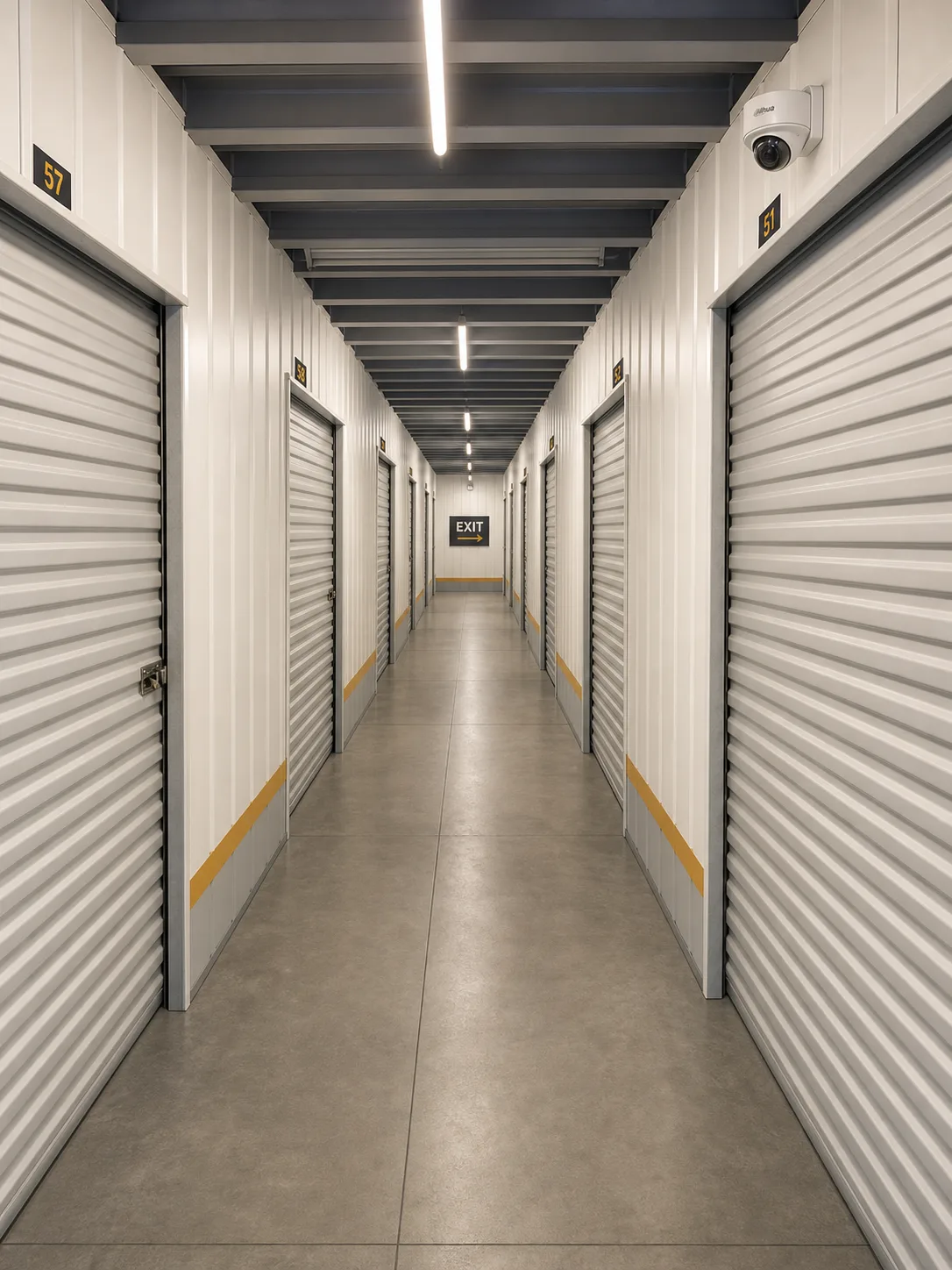
Design visual of a storage-facility aisle with a ceiling-mounted dome camera
Design visualSite detail withheld
What was installed

What the system covers.

01
Plan the coverageDocument the priority zones, image quality and gaps.
02
Detect people and vehiclesExisting and new cameras working to one detection plan.
03
Alert and respondEach alert goes to a named person, who knows what to do next.

The client and site are not named, and camera positions and other operationally sensitive details are withheld.

Coverage and detection

Give every zone a job.

Each zone below shows what the system detects there, without publishing camera positions or weak points.
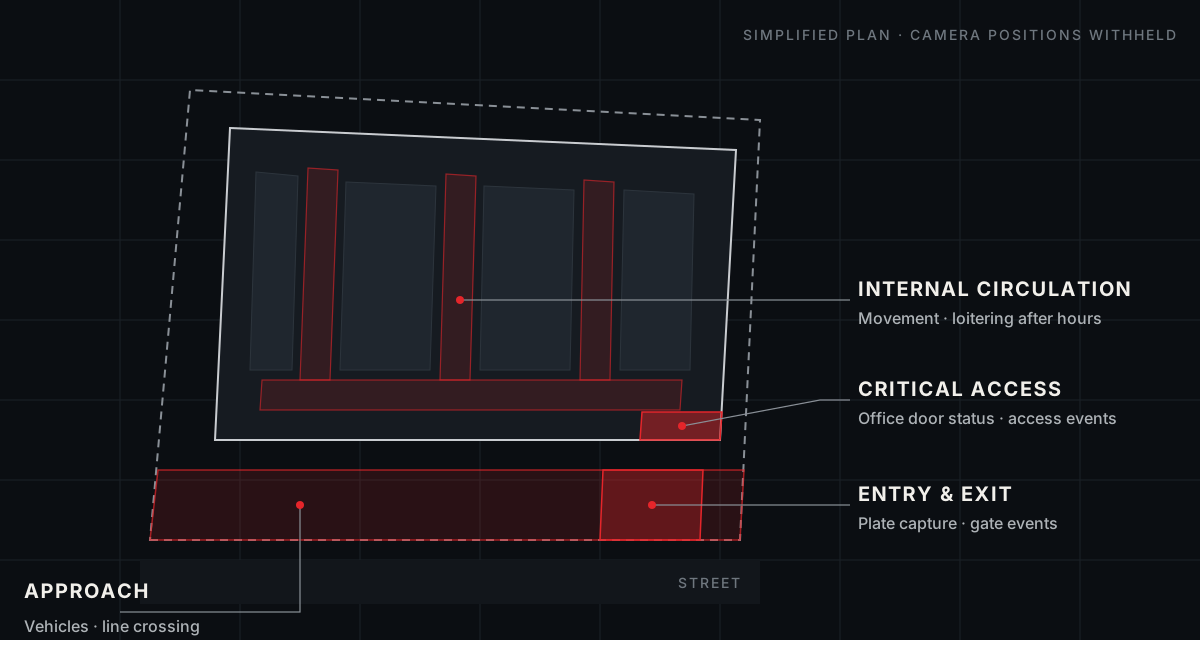
Simplified site plan: approach and perimeter along the street, entry and exit at the gate, internal circulation through the aisles, and critical access at the office door. Camera positions withheld.
Approach & perimeterVehicles · line crossing Entry & exitPlate capture · access events Internal circulationMovement · loitering Critical accessDoor status · access events
01DetectIdentify a relevant event.
02VerifyShow the operator the clip and the zone.
03RespondAlert, escalate or deter.
Capability examples

Match the detection to the zone.

Each zone gets the simplest detection that does the job. The exact mix depends on the site, privacy requirements and operating plan.

Person and vehicle classificationMovement and occupancy sensorsLine crossing and loitering alertsDoor and access eventsNumber plate capture where appropriateFacial recognition, only where lawful, necessary, authorised and privacy assessed
Footage search

Three ways staff find an incident.

These examples show what the platform can do. Which features a site uses depends on its cameras, licensing and privacy settings. Staff always review the result before acting.

01 / Appearance search

Follow one visit across every camera.

Select a person in one clip and find matching sightings across connected cameras. Where alarm or access events are integrated, place them on the same timeline.

Appearance matching finds similar sightings; it does not by itself establish identity.
02 / Natural-language search

Search footage in plain English.

Describe what you need in plain English. Review the likely matches, open the timeline and export the verified footage.

Search recorded video“Person in a dark jacket near units 201–229 after 8 pm”
14 likely moments · 3 cameras
Review timeline →
Search availability and accuracy depend on the selected platform, cameras and scene conditions.
03 / Number plate recognition

Search a plate. See every visit.

Find a known plate, review entry and exit footage, and see each captured visit without scrubbing through days of video.

Plate history · last 30 daysABC·123
Monday08:42 in09:17 out
Thursday18:06 in18:31 out
Reliable plate capture requires the right camera position, lighting and vehicle approach.

Examples are illustrative and use no real site data. Features depend on platform, licensing and integration.
Planning a commercial site?

Get an indicative estimate.

Get my estimate

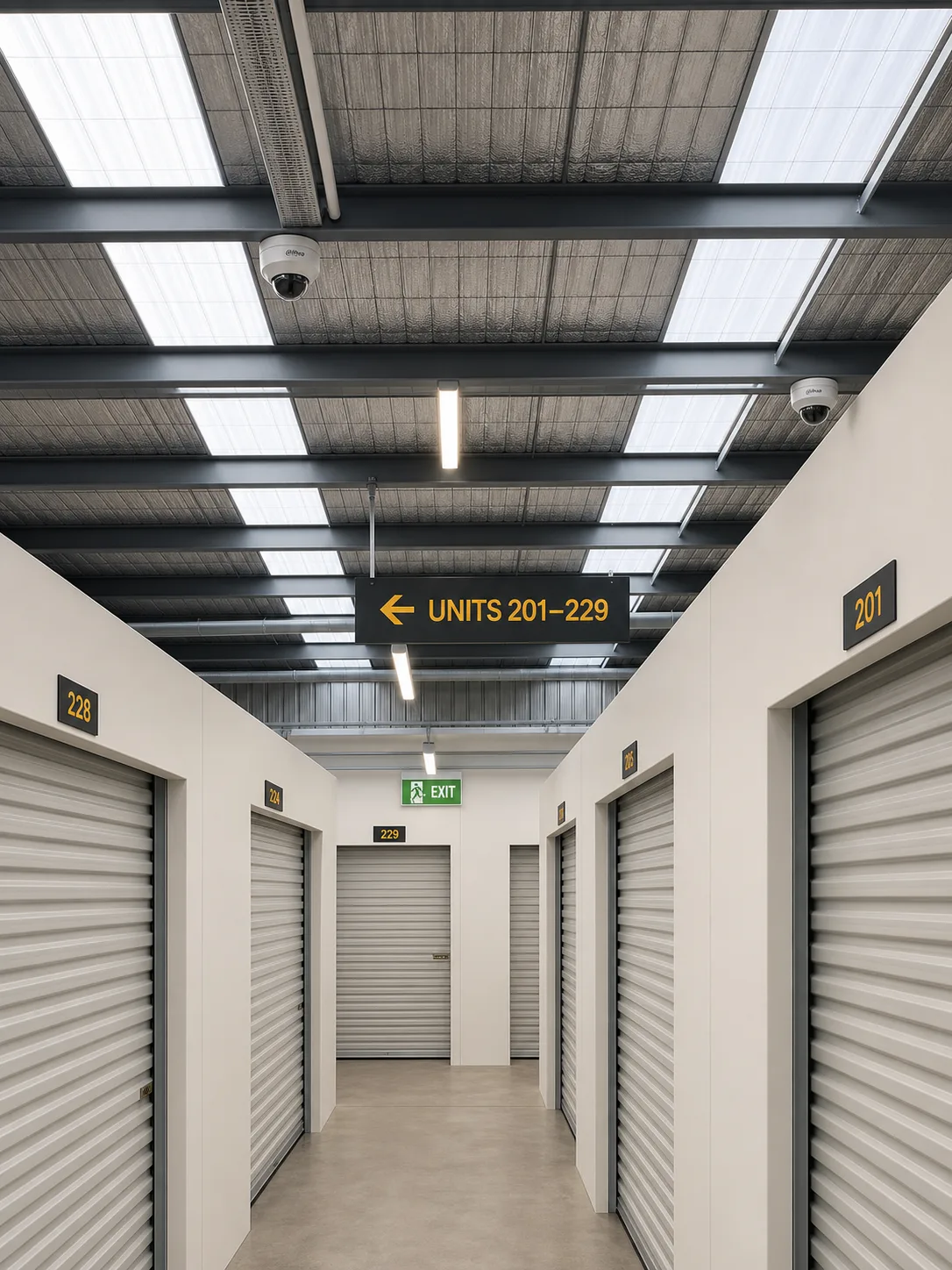
These are design visuals, not photographs of the installed site.

Planning a commercial site?

Start with the site. Not a device list.

Six questions about the site. An indicative estimate before any contact details, then a security review if you want one.